

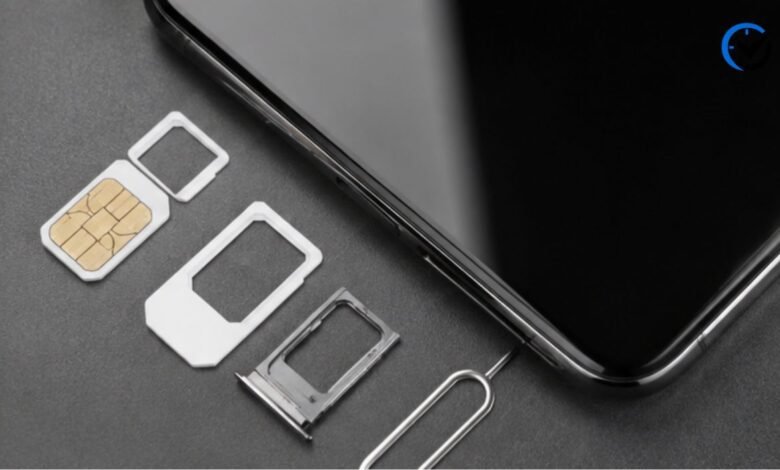
Forgetting your own mobile number is surprisingly common, especially when you have recently purchased a SIM card, use more than one line, or rarely share your number with others. If you use an MTN SIM, you can usually find your number without visiting a store or asking someone else. The exact method can depend on the country where your MTN service is registered, because MTN operates across several markets and its USSD services are not identical everywhere. This guide explains the practical ways to find your number, including USSD codes, phone settings, SIM information, customer support, and other simple options.
The Easiest Way to Find Your MTN Number
The quickest option is normally an MTN USSD service. USSD works through your mobile network, so it does not require mobile data, a smartphone, or an internet connection. You open your phone’s dialer, enter the relevant short code, and follow the instructions displayed on the screen. The important point is that MTN codes vary by country. For example, MTN Ghana’s official help center currently states that customers can dial *156# and select the option for checking their own number.
Why MTN Codes Differ by Country
There is no single universal code that works for every MTN customer worldwide. MTN operates networks in multiple countries, and each local operation can have its own USSD menus and services. A code that works in Ghana may not provide the same result in Nigeria or South Africa. This is why it is better to use the code provided by your local MTN operation rather than relying on a random code found online. If a code does not work, it does not necessarily mean there is a problem with your SIM.
Using USSD to Display Your Number
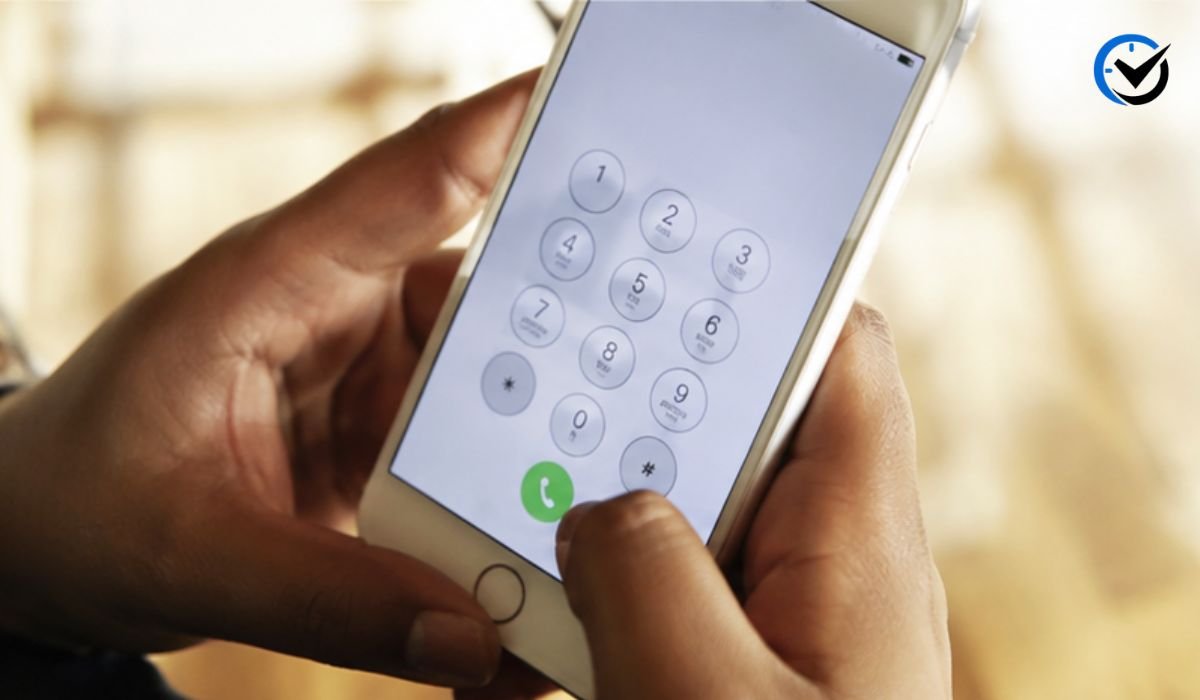
When your local MTN network provides a number-checking code, the process is generally straightforward. Open the phone application you normally use for calls, enter the appropriate USSD code, and press the call button. A menu may appear with several choices, or the number may be displayed immediately. In Ghana, for instance, MTN’s official instructions say to dial *156# and select “Check My Number,” after which a confirmation message displays the mobile number. The same official page says the service does not charge a fee.
Check Your Number Through Your Phone Settings
Your phone itself may already have the information you need. On many Android devices, you can open Settings and look under sections such as About Phone, SIM Status, or SIM Card Information. The wording differs between manufacturers and Android versions, so the option may not appear in exactly the same place. If your phone recognizes the SIM correctly, it may show the associated phone number. However, some SIM cards do not store the number in a way the handset can read, so an empty or unknown field does not necessarily mean the number is unavailable.
Finding the Number on an iPhone
iPhone users can also check the device for stored SIM information. Depending on the iOS version and mobile configuration, the number may appear under Settings and the phone-related information associated with the cellular line. You can also open the Phone app and check your contact card, although this depends on whether your own number has been saved correctly. If the number is missing, using your local MTN USSD service is usually more dependable because it retrieves information from the network rather than relying on information stored on the handset.
Call or Text Another Phone
Another simple method is to call a nearby phone. If your MTN line has sufficient service and caller identification is available, your number may appear on the other person’s screen. You can then save it in your contacts. Sending a text message can work in a similar way because the recipient may see the number associated with the message. This method is useful when you cannot remember the correct USSD code, although it may not be practical if you have no airtime or the other phone is unavailable.
Check Your SIM Packaging
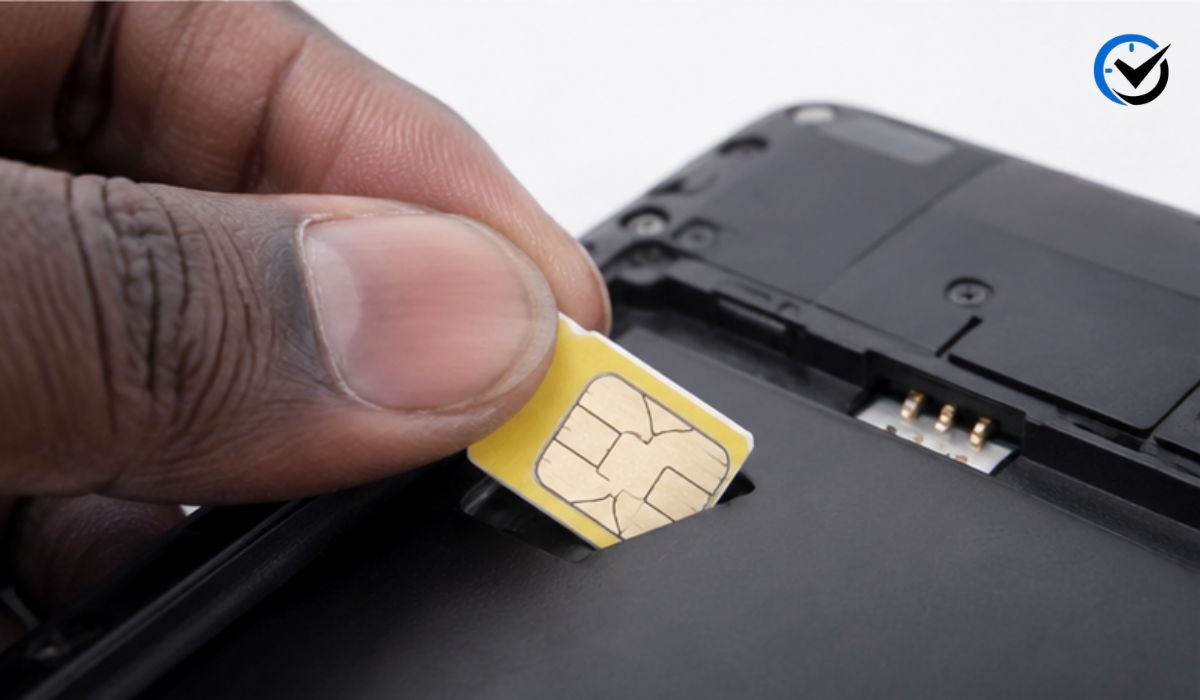
If you still have the original SIM package, check it carefully. Mobile operators often print the assigned number or related account information on the SIM holder, packaging, receipt, or activation documents. This can be particularly useful for a recently purchased SIM that has not yet been added to your contacts. Keep in mind that packaging can contain several numbers, including serial numbers and other identifiers, so do not automatically assume every long number printed there is your mobile number.
Look at Saved Contacts
Your own number may already be saved somewhere on your phone. Open your contacts and search for entries such as “Me,” “My Number,” your name, or a personal contact card. Some smartphones automatically create a profile for the phone owner, while others depend on the user to enter the information. This method is quick, but it only works if the number was previously saved. If you changed SIM cards recently, make sure the displayed number actually belongs to the MTN line currently inserted in the device.
Use the MTN App When Available
In markets where MTN provides a customer app, your account information may include the mobile number connected to the account. This can be convenient if you already have the application installed and can sign in. However, an app requires an internet connection and may require account verification. It is therefore better viewed as an additional option rather than the first solution when you simply need to identify a forgotten number.
Contact MTN Customer Support
If the usual methods fail, MTN customer support can help you determine what options are available for your specific line and country. Customer service may ask questions to verify that you are the legitimate account holder before providing account-related information. This protects customers from having their mobile details disclosed to unauthorized people. When contacting support, use the official MTN customer-care channel for your country rather than an unverified number posted on a social media page or website.
What to Do If the USSD Code Does Not Work
A failed USSD request can happen for several reasons. You may be using a code belonging to another MTN country, the SIM may not be properly connected to the network, or the service may have changed. Temporary network problems can also prevent a USSD session from opening. Try checking your signal, confirming that the MTN SIM is selected for the call, and restarting the phone if necessary. If the problem continues, use another method instead of repeatedly entering random codes.
Dual-SIM Phones Need Extra Attention
If your phone contains two SIM cards, make sure you are using the MTN line when checking the number. Some devices ask which SIM should make a call, while others use a default SIM automatically. A mistake here can lead you to check the wrong line or send a call from another network. You can normally identify the active SIM from the network name shown in the status area or from the SIM settings inside your phone. This small check can save considerable confusion.
Checking a Number Without Mobile Data
One major advantage of USSD is that it normally works without mobile internet. This makes it useful when your data bundle has expired, your smartphone cannot connect to the internet, or you are using a basic feature phone. MTN’s Ghana help center specifically provides its number-checking process as a USSD service, demonstrating why this method remains practical for customers who want a quick answer directly from the network.
Does Checking Your Number Cost Money?
The cost depends on the local MTN operation and the particular service being used. Some number-checking services are free. MTN Ghana’s official instructions, for example, state that customers are not charged for checking their own number through the specified USSD service. However, customers in other countries should not assume the same rule applies everywhere. Checking the current information from the relevant local MTN operation is the safest approach, especially because USSD menus and service charges can change.
How to Confirm You Found the Correct Number
After retrieving a number, take a moment to confirm that it belongs to the SIM you are currently using. This matters if you own multiple lines or have recently changed SIM cards. One easy way is to make a short call to a trusted phone and compare the number shown there with the number you retrieved. You can then save the confirmed number under your own contact name. Recording it somewhere secure can prevent the same problem the next time you need it.
Keep Your Number Easy to Access
Once you recover your MTN number, consider saving it in more than one convenient place. Add it to your personal contact card, write it down somewhere secure, or store it in another appropriate account that you control. Avoid posting your personal mobile number publicly just for convenience. A phone number can be connected to communication accounts, financial services, verification messages, and other personal services, so treating it as private information is sensible.
Be Careful With Unofficial Number-Checking Codes
Search results and social media posts sometimes list USSD codes without explaining which country they belong to or when the information was published. Using an incorrect code may simply produce an error, but entering unfamiliar codes can also open unrelated service menus. Do not provide passwords, one-time verification codes, or other sensitive information to someone claiming they can reveal your number. For account-related assistance, rely on MTN’s official customer-service channels.
MTN Number Checks and SIM Registration Are Different
Finding your mobile number is not the same as checking your SIM registration details. A number-checking service tells you which number is associated with the line, while registration services may involve identity verification and regulatory requirements. For example, MTN Nigeria provides a separate NIN status service that checks whether a line has been linked to a NIN. If your goal is simply to remember your phone number, you generally do not need to begin a registration or identity-verification process.
When Visiting an MTN Store Makes Sense
Most people can find their number without visiting a store, but in-person assistance can be useful when the SIM is damaged, inactive, blocked, or experiencing registration problems. A store representative may be able to explain the available recovery or replacement process after verifying ownership. Bring only the identification or account information that the official MTN process requires. Never hand your phone, SIM, or account credentials to an unknown person who claims to provide unofficial assistance.
Final Thoughts
Finding a forgotten MTN number is usually a simple task, and the best starting point is the official number-checking service provided by your local MTN operation. USSD is often the most convenient choice because it can work without mobile data, while phone settings, saved contacts, SIM packaging, another phone, and official customer support provide useful alternatives. The most important thing to remember is that MTN services differ between countries, so a code that works in one market may not work in another. Once you recover your number, save it somewhere secure and verify it before using it for important accounts or registrations.
Frequently Asked Questions
1. What is the fastest way to check an MTN number?
The fastest method is usually the official USSD number-checking service for your MTN country. USSD does not normally require mobile data and can work on basic phones. Because MTN uses different codes in different countries, confirm the correct code for your local network before using it.
2. Can I find my MTN number without airtime?
Often, yes. A number-checking USSD service may be available without airtime, depending on the local MTN network and service rules. MTN Ghana, for example, states that its own-number checking service is free. Other methods, such as calling another phone, may require available calling credit.
3. Can I check my number without internet?
Yes. USSD is specifically useful when you have no mobile data because it communicates through the cellular network. You can also check your phone settings or SIM information without an internet connection if your device stores the number.
4. Why does my phone say my number is unknown?
Your phone may not be able to read the number stored on the SIM. This can happen even when the SIM and mobile service are working normally. Try the appropriate MTN USSD service instead, because the network can provide information that the handset does not display.
5. Does the MTN number code work in every country?
No. MTN operates in several countries, and local services can use different USSD codes. A code published for Ghana, Nigeria, South Africa, or another market should not automatically be used elsewhere. Always use information intended for your specific MTN network.
6. Can I check my MTN number on a basic phone?
Yes, provided the local MTN number-checking service supports USSD on your network. You do not need a smartphone for a standard USSD session. Open the dialer, enter the correct local code, and follow the instructions shown.
7. Can I find my MTN number from the SIM card?
Sometimes, but not always. The SIM itself usually carries technical information, while the phone may or may not display the associated mobile number. If the number is not visible in your device’s SIM information, use the local MTN service instead.
8. What should I do if I have two MTN SIM cards?
Identify which SIM you want to check before starting. If both SIMs are active, select the correct line when your phone asks which SIM should make the request. You should also save each number separately so you can tell them apart later.
9. Is checking an MTN number the same as checking SIM registration?
No. A number check identifies the mobile number associated with a line. SIM registration checks involve account or identity information and may be subject to local regulations. They are separate services and should not be confused.
10. What is the safest way to check an MTN number?
Use the official MTN method available in your country, such as the local USSD service, official app, or verified customer-support channel. Avoid relying on unverified codes or sharing personal verification details with strangers. Once you confirm the number, save it privately so you do not need to search for it again.
Recommended: VEED IO: The Smarter Way to Create Videos Without Complex Software




One Comment